AI Patent Search vs. Human Analysts: What Each Finds and What Each Misses
Semantic search finds close patent documents in seconds. It still misses journals, drawings, borrowed vocabulary, and the one element that matters. Here is how to use it well and how to check its work.
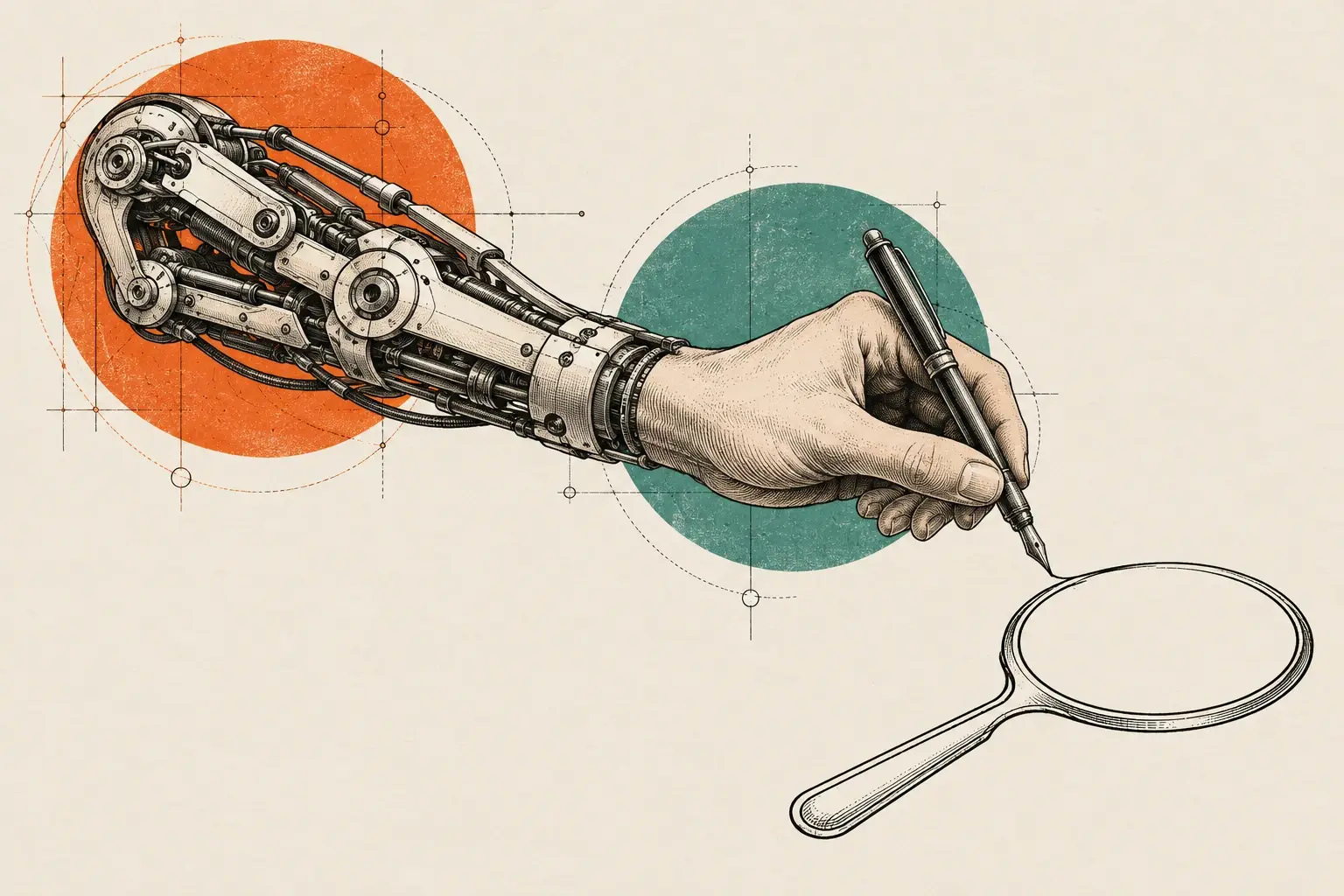
AI patent search is very good at one job: pulling the closest patent documents out of millions in seconds, even when they use different words than you do. It is weak at non-patent literature, at vocabulary borrowed from other fields, at drawings, and at element-by-element comparison, and its summaries can sound right while being wrong. The reliable approach is a hybrid. Let the machine widen recall, and let a person read every reference and decide what matters.
What AI patent search actually does
Many AI patent search tools work by “query by example.” You paste in a description of your invention. The tool turns that text into a numerical representation of its meaning, compares it with representations of millions of patent documents, and returns a ranked list. Some tools add a generated summary of each hit, or a short answer about how close the hit is.
Examiners work the same way now. The USPTO’s AI-based Similarity Search takes application text as input and returns similar domestic and foreign patent documents. The USPTO’s Official Gazette notice says its queries finish in seconds, where the older query-by-example tool it replaced could take hours. We cover the examiner tools in detail in USPTO AI search tools explained.
That speed changes the economics of a search. Finding the obvious patent documents is no longer the hard part. The hard part is everything the ranking does not see.
Where AI search is strong
| Task | How AI search performs | Why |
|---|---|---|
| Finding close patent documents fast | Strong | Meaning-based matching catches documents that share concepts but not keywords |
| First-pass triage of a large result set | Strong | Ranking puts the likeliest candidates first, so readers start in the right place |
| Re-running a search after the description changes | Strong | The query is your text, so revising the text re-runs the search in seconds |
| Spotting crowded areas early | Useful | Dense clusters of near-identical results signal a busy field |
| Journals, theses, manuals, standards | Weak to absent | Many tools index patents only, or index literature unevenly |
| Drawings and figure-only disclosures | Weak | Text-based models read words, not figures |
| Element-by-element comparison | Weak | Similarity scores measure overall overlap, not each feature |
What AI search misses
Non-patent literature
Prior art is not only patents. Under 35 U.S.C. § 102(a)(1), it includes anything “described in a printed publication, or in public use, on sale, or otherwise available to the public” before the effective filing date. That covers journal articles, conference papers, theses, product manuals, standards documents, and archived web pages.
Examiners cite this material regularly. The European Patent Office’s search quality statistics show that more than a quarter of its search reports contain at least one non-patent literature citation. A tool that indexes only patent documents cannot find that material, however clever its ranking is.
Vocabulary that changes across fields
Semantic models handle synonyms well inside one field. They struggle when the same idea lives in a different industry under a different name. Consider an illustrative case: a self-locking hinge for a folding drone arm. The closest prior art might sit in a camera tripod, a baby stroller, or a deployable satellite boom. Each field has its own vocabulary and its own CPC classes.
An AI tool anchored to your description will search in your vocabulary. An analyst builds a synonym map across fields first, then runs the search in each vocabulary.
Figures
Much of a patent’s disclosure lives in its drawings. A detail may appear in a figure and get one line of text, or none. Text-based semantic search does not read the figure. The USPTO itself acknowledges this gap. In a May 2026 request for information on AI image search, reported by FedScoop, the agency said text-based or classification searching alone is no longer sufficient for visual design and utility applications.
Claim-level nuance
A similarity score answers “how much does this document overlap with my text overall?” A practitioner reviewing prior art asks a narrower question: is each feature disclosed, and where? Those questions often have different answers.
A document ranked third may share most of your vocabulary and still lack the one feature that distinguishes your design. A document ranked fortieth may disclose that exact feature in a single paragraph about something else. Ranking cannot tell the difference. Reading can.
Summaries that sound right but are not
Generated summaries add a separate risk. A Stanford study of AI legal research tools, a related field, found that even tools built to retrieve real sources gave incorrect answers more than 17% of the time, and one tool hallucinated more than 34% of the time (Stanford HAI). The authors also flagged “misgrounded” answers: the statement may be correct, but the cited source does not support it.
The patent-search version looks like this. A summary says “Reference A discloses a spring-loaded latch.” Reference A is real, and it does describe a latch, but the spring appears only in Reference B. Whoever relies on that summary has been misled by a real citation.
Why a hybrid method works
The point is not “AI bad, humans good.” It is a division of labor. The machine is tireless at recall, and a person is accountable for judgment. The USPTO makes the accountability point bluntly in its 2024 guidance on AI tools: “Simply relying on the accuracy of an AI tool is not a reasonable inquiry.” The duty of disclosure, it adds, cannot be transferred to “a computer system such as an AI tool.”
A hybrid search, the way we run it, has six steps:
- Concept map. Break the invention into features, and list the vocabulary for each feature across every field where it might appear.
- AI-assisted recall. Run semantic searches on several phrasings, not one, so that no single wording sets the frame.
- Classification and citation expansion. Take the strongest hits, then search their CPC classes and their backward and forward citations.
- Non-patent literature. Search journals, conference proceedings, theses, standards, and product documentation directly.
- Human reading. Read every candidate, and map each relevant passage or figure to the feature it touches, with pinpoint citations.
- Second review and audit trail. A second analyst checks the report, and the client receives every database, class, query, date cut-off, and tool used.
The best search is a centaur: machine recall, human judgment. Our method page explains how we apply this on every engagement.
A checklist for evaluating any AI search output
Use this checklist on any AI search result, whether it comes from a free tool, a vendor, or us.
- Scope is stated. Which databases, which jurisdictions, which date range, and which publication-date cut-off?
- Inputs are recorded. What exact text, claims, or keywords went in? Could someone repeat the search?
- The AI tools are named. Which tool and which version produced the ranking or summary?
- Non-patent literature was searched. If not, the report should say so plainly.
- Classifications were checked. Were CPC classes reviewed, or did the search rely on text alone?
- Citations were expanded. Were the citations of the strongest hits followed in both directions?
- Each reference has a pinpoint. Paragraph, column and line, or figure number for every point made.
- Every summary was verified. Open each source and confirm that it says what the summary claims.
- Figures were reviewed. Did someone look at the drawings of the top references, not just the text?
- Low-ranked hits were sampled. Did anyone read past the first page of results?
- Confidentiality was handled. Does the vendor retain inputs, use them for training, or process them outside the US?
If a report fails three or more of these items, treat it as a lead list, not a search.
Before you paste your invention into a tool
Confidentiality deserves its own check. The same USPTO guidance warns that AI systems “may retain the information that is entered by users,” may use it for training, and may run on servers outside the United States, which can raise export-control questions. For an unpublished invention, read the tool’s data terms before you paste anything, and get the vendor’s answers in writing. Our own policy is simple: client materials are never used to train AI models.
How Meta Dragons can help
If you want a quick, honest read before spending more, our Prior-Art Snapshot delivers the top references and a plain-English summary in 3 business days. For a full report your patent attorney or agent can work from, our Patentability Search combines AI-assisted recall with analyst reading, non-patent literature, and a complete audit trail, typically in 5–7 business days.
If you would rather start on your own, our guide on how to do a free patent search walks through the public databases step by step. We find and map references. Conclusions about patentability belong to your registered practitioner.
This article is general information, not legal advice.
Sources
- Guidance on Use of Artificial Intelligence-Based Tools in Practice Before the USPTO (89 FR 25609) — USPTO / Federal Register via GovInfo
- AI on Trial: Legal Models Hallucinate in 1 out of 6 (or More) Benchmarking Queries — Stanford HAI
- Quality statistics: Search — European Patent Office
- 35 U.S. Code § 102 — Conditions for patentability; novelty — Cornell Law School LII
- New Artificial Intelligence Functionality in PE2E Search (Official Gazette notice) — USPTO
- Advance Notice of Change to the MPEP: Use of PE2E Search's Similarity Search Feature (memo, Oct. 24, 2025) — USPTO
- USPTO seeking AI-driven image search tool for patent examiners — FedScoop
This article is general information about patent research and the patent market. It is not legal, financial or investment advice. Meta Dragons is not a law firm; for legal questions, consult a registered patent attorney or agent.