How to Do a Patent Search for Free: A Step-by-Step Guide
A practical method for searching patents with free tools: start with keywords, move to CPC classifications and citations, go international, search the literature, and log every query.
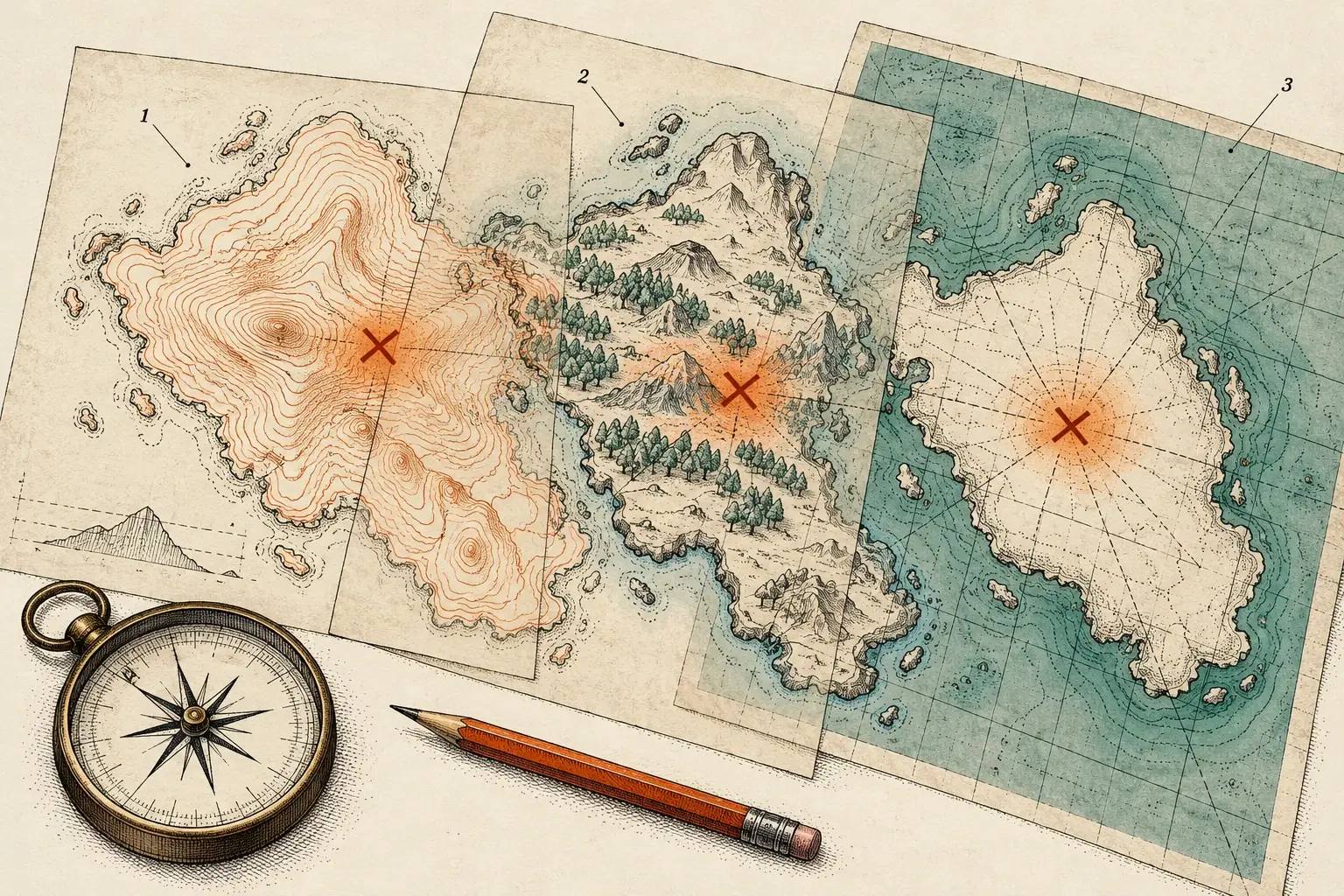
To do a patent search for free, describe your invention in plain words, search those words in Google Patents, then find the Cooperative Patent Classification (CPC) codes on the closest results and search those codes in USPTO Patent Public Search and Espacenet. Follow the citations on the best documents backward and forward, check WIPO PATENTSCOPE for international applications, and finish with journals and product literature. Log every query as you go, because a search you can’t retrace is a search no one can rely on.
The USPTO publishes its own multi-step search strategy, and the method below follows the same logic, extended to the free international tools. Think of the four databases as maps of one territory drawn in different styles. Learn to read all of them, and line them up on the documents that matter.
Before you search: write the invention down
Spend 20 minutes on this. It saves hours later.
- Write one paragraph describing the problem and how your invention solves it.
- List the features. Separate the core feature, the thing you believe is new, from the supporting ones.
- Brainstorm vocabulary. The USPTO’s own example: an umbrella might also be called a parasol or a sunshade. Add the words an engineer would use for the parts, such as canopy, rib, shaft and runner, and the words for what it does.
- Open a search log (a template is below) before you run the first query.
The four free tools and what each does best
| Tool | What it covers | Use it for |
|---|---|---|
| Google Patents | Over 120 million patent publications from 100+ patent offices, plus technical documents indexed in Google Scholar and Google Books. Non-English patents are machine-translated to English and indexed. | Fast keyword and concept searching, and the citation lists on each patent page |
| USPTO Patent Public Search | US patents and published applications, with Basic and Advanced search | Precise US searching with field codes, including CPC |
| Espacenet | More than 150 million patent documents from around the world, with machine translation and a classification search tool | Worldwide coverage, CPC browsing, and supporting information on whether a patent was granted and is still in force |
| WIPO PATENTSCOPE | Published PCT international applications in full text on the day of publication, plus documents from participating national and regional offices | International applications and multilingual searching, with WIPO Translate |
Step 1: Start broad with keywords
Begin in Google Patents, because it’s forgiving and fast.
- Search your core concept in plain language first, then add features one at a time to narrow the results.
- Skim titles, abstracts and the first drawing. Discard what is clearly unrelated and move on.
- Mark the 5–10 documents that look closest. These are your seed documents, and everything that follows grows from them.
Pay attention to the language the seed documents use. Patent drafters rarely write the way inventors talk. If every close document says “canopy” where you said “cover,” add “canopy” to your vocabulary list and search again.
Step 2: Find the CPC classes, then search by class
Keyword searching fails when a document uses words you didn’t think of. Classification doesn’t depend on wording. The Cooperative Patent Classification was developed jointly by the European Patent Office and the USPTO, and it sorts documents by technical subject.
- Collect codes from your seeds. Each patent page lists its CPC codes. Codes that recur across several seed documents are your best candidates.
- Read the definition before you trust a code. In the CPC scheme, subclass A45B covers walking sticks, umbrellas and fans. Within it, A45B 19/00 is “special folding or telescoping of umbrellas” and A45B 25/00 is “details of umbrellas.” A new folding mechanism points to the first group, and a new handle may point to the second.
- Search the class. The USPTO recommends running a classification search in Patent Public Search’s Advanced Search with the .CPC. field code. You can also browse and search classes in Espacenet’s classification tool.
- Combine a class with one or two keywords if the class is large, and review the results patiently. A class search returns everything filed under that subject, including documents that never use your words.
Step 3: Read the closest documents in full
The USPTO’s strategy tells searchers to read the full documents that resemble the invention, including drawings, specification and claims. Abstracts summarize, and they leave a lot out. When you are looking for prior art, a feature can be described in the detailed description or shown in a figure without appearing in the claims at all. Read past the first page.
For each close document, note in your log which of your features it shows and where: paragraph numbers, figure numbers, or both.
Step 4: Follow the citations, backward and forward
Citations are the shortcut experienced searchers use most.
- Backward citations. On a Google Patents page, the “Patent Citations” and “Non-Patent Citations” sections list documents cited by the applicant or examiner. These are older work the system already linked to this one.
- Forward citations. The “Cited By” section lists later documents that cite this one. These show who built in the same direction afterward.
- Across offices. The USPTO’s search page links to the Common Citation Document, which brings together citation data from the IP5 group of patent offices.
Each new relevant document brings new CPC codes and new vocabulary. Loop back to Step 2 with them. When new rounds keep returning documents you have already seen, you are close to the end of what free tools can find for that feature.
Step 5: Go international
Prior art does not have to be American or in English. Run your best keyword and CPC combinations in Espacenet, which covers more than 150 million documents and can machine-translate them. Then check PATENTSCOPE, which publishes PCT international applications in full text on the day they are published and offers WIPO Translate for patent text. Machine translation is good enough to tell whether a document is relevant. If one looks close, read the translation with care and flag it in your log.
Step 6: Search the non-patent literature
Journal articles, conference papers, theses, product manuals, catalogs and websites can all be relevant. The USPTO’s strategy explicitly tells searchers to broaden into books, journals, websites, catalogs and conference proceedings.
- Google Patents already folds in technical documents from Google Scholar and Google Books, plus its Prior Art Archive of old product manuals and announcements.
- PubMed holds tens of millions of citations and abstracts of biomedical literature.
- arXiv hosts millions of scholarly articles in eight subject areas: physics, mathematics, computer science, quantitative biology, quantitative finance, statistics, electrical engineering and systems science, and economics.
- Manufacturer catalogs and manuals matter for mechanical and consumer products, where a feature often appears in a product sheet years before anyone files on it.
Record what you searched
The USPTO advises searchers to record the sources searched, when the search was run, the terms used and the results returned. A log turns a weekend of clicking into something a professional can build on instead of repeating. Save a PDF of every document you mark as close.
| Date | Database | Query or CPC class | Filters | Results | Reviewed | Close documents |
|---|---|---|---|---|---|---|
| 2026-07-16 | Google Patents | (umbrella OR parasol) AND fold* AND wind | none | 412 | 60 abstracts, 8 full texts | Doc A (fig. 3), Doc B (para. 22) |
| 2026-07-16 | Patent Public Search | A45B19/00 plus “wind” | US only | 95 | 95 abstracts, 5 full texts | Doc C |
| 2026-07-17 | Espacenet | A45B25 plus canopy keywords | worldwide | 230 | 40 abstracts, 3 full texts | Doc D (machine-translated) |
The rows above are an illustration of the format, not real results.
What a free search cannot tell you
- Recent filings are invisible. Applications are generally published about 18 months after the earliest filing date, so the newest work in your field won’t show up yet.
- Coverage has gaps. Google’s own coverage notes say complete coverage is not assured, and every database has collections it indexes better than others.
- Translation flattens detail. Machine translation can blur the exact feature that matters.
- Legal meaning is a separate question. Whether your idea meets the requirements for a patent, or whether a product raises patent risk, are legal judgments. They belong to a registered patent attorney or agent, who will want to see your log.
The USPTO’s search page also points to free help: Patent and Trademark Resource Centers, libraries across the country that can provide resources and assistance with searching.
This article is general information, not legal advice.
When to hand off to a professional
A free search is the right first step. It is the wrong last step when:
- You are about to pay filing fees or attorney drafting costs, and a missed reference would waste them.
- Your field is chemistry, biotech or software, where terminology shifts and literature moves fast.
- You found close documents and need them mapped feature by feature for your attorney.
- You are launching a product. That calls for a clearance search of in-force patents, which is a different search.
- Investors, a grant reviewer or a buyer will read the result.
- Each round still turns up new vocabulary or new classes after a full weekend.
Our guide to prior art search cost explains what professional searches typically cost and what drives the price.
How Meta Dragons can help
If you have already searched, send us your log. We start from your work rather than repeating it. The Prior-Art Snapshot gives idea-stage inventors the closest references and a plain-English summary in 3 business days. The Patentability Search adds non-patent literature, claim-element mapping and a full audit trail in 5–7 business days, delivered to you or your patent attorney or agent. To see how we combine AI recall with human reading, read AI patent search vs. human analysts.
Sources
- Multi-Step U.S. Patent Search Strategy — USPTO
- Search for Patents — USPTO
- Patent Public Search — USPTO
- Coverage (About Google Patents) — Google
- Espacenet — European Patent Office
- PATENTSCOPE — WIPO
- About CPC — Cooperative Patent Classification
- CPC Scheme A45B: Walking Sticks; Umbrellas; Ladies' or Like Fans — USPTO
- About PubMed — National Library of Medicine
- About arXiv — arXiv
This article is general information about patent research and the patent market. It is not legal, financial or investment advice. Meta Dragons is not a law firm; for legal questions, consult a registered patent attorney or agent.