§Platform
Hoard, a patent intelligence platform with an analyst behind every view
Hoard is the workspace our analysts use to watch, map, and track patents, opened to our clients. Every workspace is configured by an analyst, and every alert is read by a person before it reaches you.

§ 01Context
Software is half of it
Most patent intelligence platforms hand you a search box and a dashboard, then leave the hard parts to you: deciding what to watch, cleaning up assignee names, grouping publications into families, and reading the alerts. Hoard works the other way round. It is the workspace our analysts work in every day, and clients see the results through it. Think of it as our analysts’ observatory, with a seat kept for you.
That changes what a platform is for. You don’t need to learn query syntax or classification codes. You need to know what changed, why it matters, and what it means for a decision in front of you. An analyst does the configuring, the cleaning, and the first read. You get the view, the note, and the source behind both.
Hoard comes included with engagements that need it, such as Competitive Patent Intelligence, Patent Landscape & Whitespace, and Portfolio Administration. It is also available as a standalone subscription, quoted per scope.
§ 02Modules
Three modules, one data trail
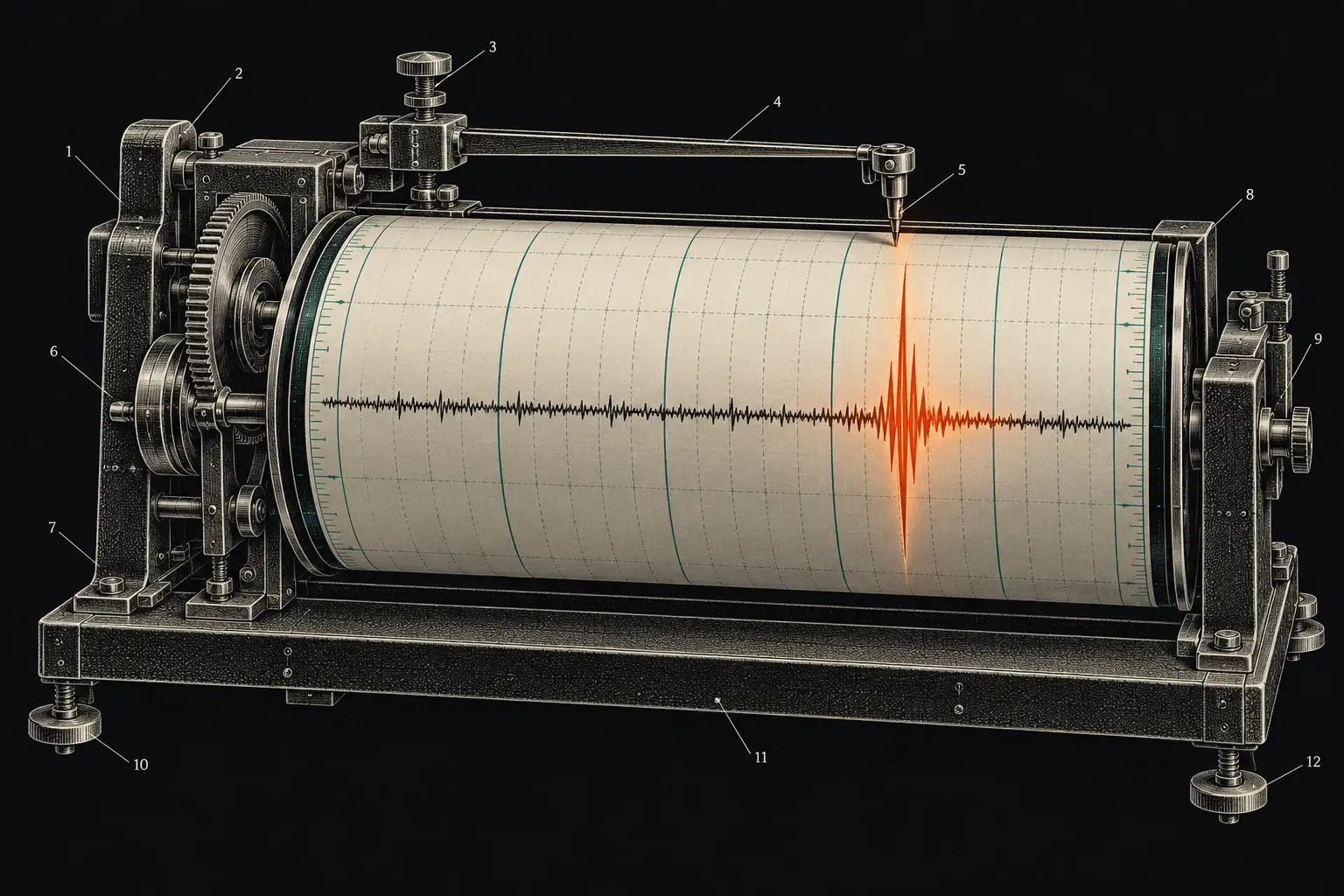
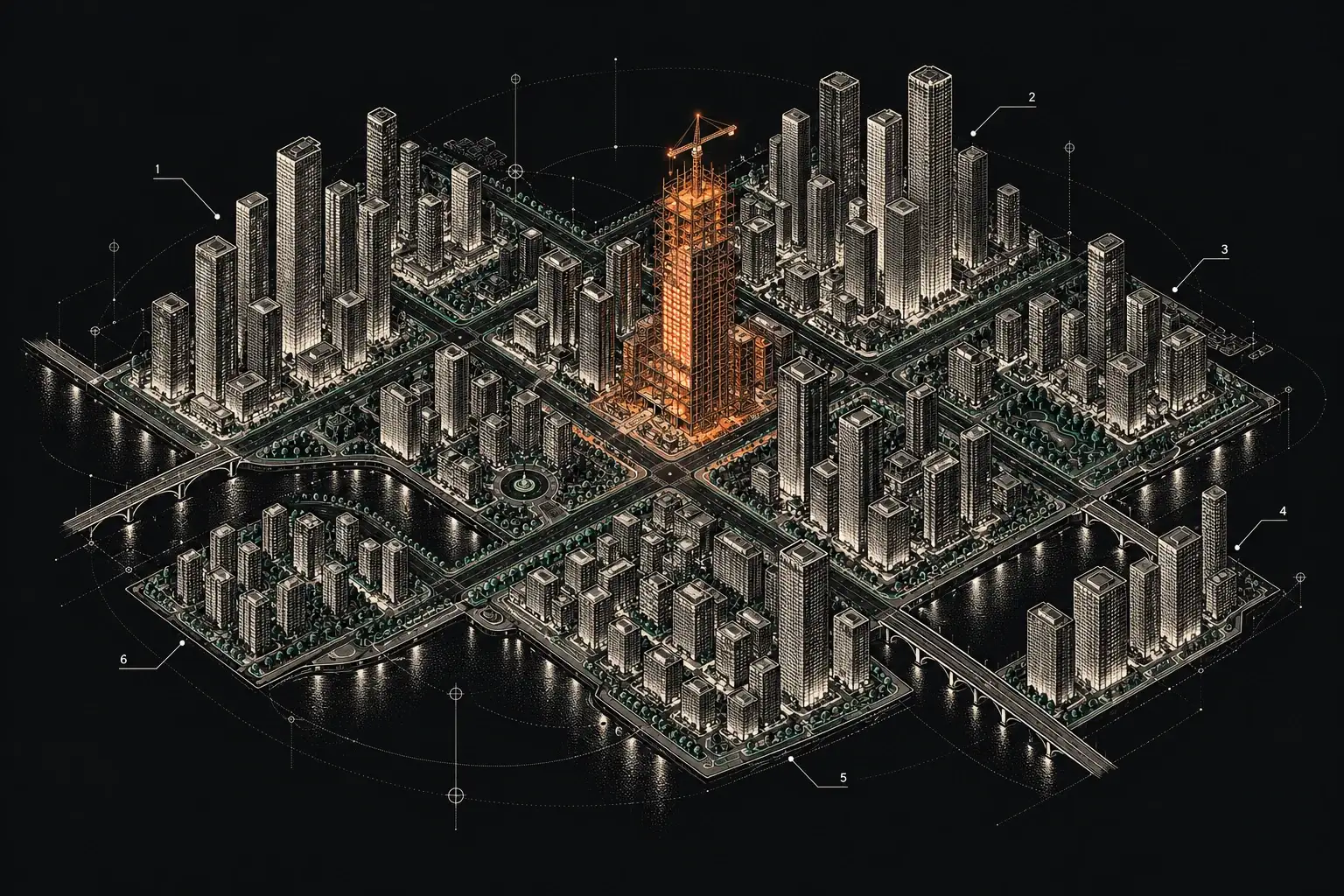
Watch, Atlas, and Ledger share the same records. A competitor you watch can appear in your landscape, and a patent you track can show up in both.

§ 03Context
What “analyst-operated” means
Configured by an analyst. Every workspace starts from a scoping session. An analyst writes down your targets, the assignee name variants and subsidiaries that belong to each company, the classifications and concepts that define your field, and what counts as relevant. That brief becomes the workspace.
Maintained by an analyst. Companies rename themselves, merge, and spin out divisions. Fields drift into new vocabulary. An analyst keeps the workspace current, so a view built last year still means what it says.
Read by a person first. Every alert in Hoard Watch is read by an analyst before it reaches you, ranked, and annotated in plain English. Hoard Atlas views are built from reconciled data, and Hoard Ledger records are checked against public sources.
Method on the record. The databases, classifications, query strings, date cut-offs, and AI tools behind each view are written down in an audit trail, as they are for every report we deliver. Read more about our method.
An alert nobody reads is worse than no alert. It feels like coverage.
That is why every Hoard alert is read by an analyst before it reaches you.
§ 04Process
How a workspace is set up
- 01
Scoping call
A free 20–30-minute call about what you need to watch, map, or track, and who on your team needs access.
- 02
Analyst configuration
An analyst builds the workspace from a written brief: targets, name variants, classifications, report cadence, and contacts.
- 03
Invitation and walkthrough
Named members of your team are invited, and the analyst walks them through the workspace and the first results.
- 04
Ongoing maintenance
The analyst keeps the workspace current, reads every alert, and adjusts the brief as your priorities change.
§ 05Overview
Security and data policy
The same rules apply to Hoard as to every engagement.
NDA before disclosure
An NDA is available before you share any technical or strategic detail.
US-based, encrypted handling
Client files are handled in US-based systems and encrypted in transit and at rest.
Never used to train AI models
Your materials, watch briefs, and workspace data are never used to train AI models.
Deletion on request
Files are deleted on request within 30 days of project close. Access is by invitation, for the named people you approve.
§ 06Questions
Questions about Hoard
Something else on your mind? Call (505) 357-5188 or write to info@metadragons.com.
How do we get access?
By invitation. Hoard is included with relevant engagements, or available as a standalone subscription quoted per scope. Start by requesting a walkthrough, and an analyst will set up the workspace for your team.
Can we use Hoard without an analyst?
No, and that is deliberate. The analyst is what keeps the alerts relevant and the data clean. You explore, filter, and export; the analyst configures, maintains, and reads first.
Can we export our data?
Yes. Reports come as PDFs, records and references as spreadsheets with links, and charts as images for decks and proposals.
Is Hoard a docketing or legal-deadline system?
No. Hoard Ledger tracks public status and fee windows as an administrative aid. You and your registered practitioner remain responsible for legal deadlines and payments.
Keep reading
Where to go next
§Next step
See Hoard with your own field in it
Request a walkthrough. We’ll show you Watch, Atlas, and Ledger, then talk through what a workspace for your team would track.