Design Patent Drawings for GUIs, AR and Holograms: What the USPTO's 2026 Guidance Changed
Since March 13, 2026, a GUI or icon design no longer has to be drawn on a screen. Here is what changed, what still applies, and how projections and AR/VR fit in.
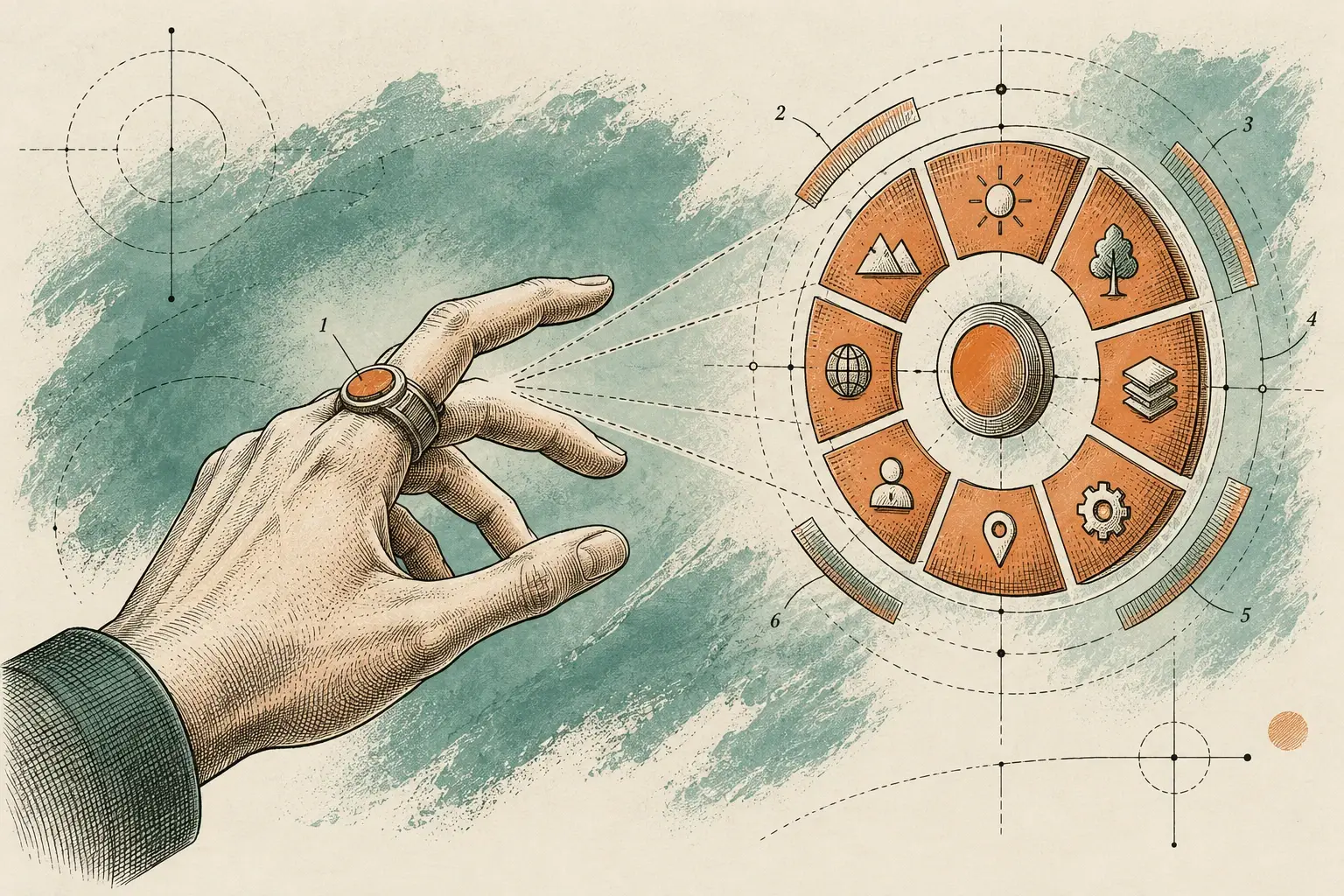
Since March 13, 2026, the USPTO no longer requires design patent GUI drawings to show a display screen, as long as the title and claim identify the article, for example “icon for a computer display screen.” The supplemental guidance, published at 91 FR 12394, also recognizes projected, holographic, and virtual and augmented reality interfaces as eligible types of design when they are more than a transient picture. The core drawing conventions (sufficient views, broken lines and shading) still apply.
The guidance in brief
The notice is titled Supplemental Guidance for Examination of Design Patent Applications Related to Computer-Generated Interfaces and Icons. It appeared in the Federal Register on Friday, March 13, 2026, at 91 FR 12394–12405, under docket PTO-P-2026-0133. It took effect the same day and applies to applications and proceedings filed before, on or after that date. Comments were due May 12, 2026. The USPTO also publishes a plain-language summary page.
It is examiner guidance, not a new rule. As Morgan Lewis notes, it changes practice under MPEP § 1504.01(a) and is expected to be folded into the MPEP.
What changed
| Issue | Before (MPEP § 1504.01(a), R-01.2024) | Under the March 2026 guidance |
|---|---|---|
| Display screen in the drawings | Required, in solid or broken lines. Without it, the claim was rejected under 35 U.S.C. 171 | Not required when the title and claim identify the article. Still allowed in broken lines |
| Title and claim wording | Tied to a display panel, e.g. “display panel with computer icon” | “For” wording accepted, e.g. “icon for display screen,” “projected interface for a computer” |
| Interfaces shown apart from a screen | Had to be embodied in a depicted display panel | Projections and holograms eligible when separate from the computer and more than a transient image |
| Virtual and augmented reality | Subject to the same display-panel requirement | “Virtual reality interface for a computer” and “augmented reality interface for a computer” listed as acceptable titles |
| 2D interface on a screen | Treated as surface ornamentation | Unchanged |
The notice also confirms that depending on a processor or program to exist is not, by itself, a reason to reject. It cites In re Hruby.
What the 12 examples teach
The notice works through 12 examples. The pattern is consistent: name an article in the title and claim, and show enough views to disclose the whole appearance.
| Example title | Result in the notice |
|---|---|
| Computer display screen with icon | Complies (screen in broken lines) |
| Paper stack icon for a computer display screen | Complies, with no screen shown |
| Paper stack icon | Objection or noncompliance: no article named |
| Projected keyboard interface for a computer | Complies (computer in broken lines) |
| Graphical User Interface for a computer | Complies |
| Virtual reality motorcycle interface for a computer | Complies, with three views of the 3D appearance |
| Virtual Reality Motorcycle Interface | Does not comply: no article named |
| Digital motorcycle picture | Does not comply: a transient picture |
The three motorcycle rows carry the lesson. The same artwork passes or fails depending on whether the title ties it to a computer, and on whether it is presented as an interface rather than a picture.
Projections, holograms and AR/VR
The interface left the screen, and the drawing followed it. That creates new drawing decisions.
Projections. In the projected-keyboard example, the computer appears in broken lines and the projected interface in solid lines. The notice cautions that claim scope follows the appearance shown, so a projection drawn on a flat surface may not cover its appearance on a curved or irregular one. A drawing shows one surface condition, so decide with your practitioner which surfaces to illustrate.
Holograms. A floating image has no screen edge to anchor it. Draw it as an object, with consistent views. Under MPEP § 1503.02, oblique line shading must be used to show transparent, translucent and highly polished or reflective surfaces. That convention suits translucent holographic elements far better than a “glow” rendering does.
VR and AR. The notice ties the number of views to the nature of the design. A three-dimensional virtual object needs enough views to show its complete appearance, and the VR motorcycle example accepted three figures on that basis. Where three-dimensional aspects aren’t claimed, the MPEP notes that a single plan view may be enough.
Drawing conventions that still apply
The guidance changed what must be shown around an interface, not how a design drawing works. These rules still govern:
- Format. Sheets follow 37 CFR 1.84: sizes, margins, black lines, and numbered views.
- Sufficient views. Under 37 CFR 1.152, the drawings must disclose the complete appearance of the design.
- Broken lines. These show unclaimed environment, such as a screen, a headset or a hand, and must be described as forming no part of the claimed design. Broken lines can’t be used to show hidden planes or surfaces.
- Shading. Use surface shading where it is needed to show contour. Solid black is not permitted except to represent the color black or color contrast.
- Color. Color drawings are permitted in design applications under 1.84(a)(2). If filed with the original application, the MPEP treats color as an integral part of the claimed design.
- No mixing. Photographs and ink drawings can’t be combined as formal drawings in one application.
- Animation. The 2026 notice is silent on it. MPEP § 1504.01(a) still allows a changing image to be shown across a sequence of figures. The specification then states that “the process or period in which one image transitions to another image forms no part of the claimed design.”
Drawing package checklist
- The title and claim name an article: a computer, computer system or display panel.
- Decide with your practitioner whether to show the screen or device in broken lines.
- Include enough views to show the complete 2D or 3D appearance.
- Describe every broken-line element as forming no part of the claimed design.
- Use oblique line shading for transparent or reflective elements.
- For animations, number the sequence and include the transition statement.
- Choose color or black-and-white deliberately, because filed color becomes part of the design.
Questions to raise with your practitioner
The guidance applies to pending applications as well as new ones, so it’s worth a conversation even if you filed before March. Bring these questions:
- Do any pending interface applications use titles or drawings that the new wording would let us simplify?
- For each new design, should the screen or device appear in broken lines, or not at all?
- Does the interface also appear projected, on a headset, or in a vehicle display, and should those contexts be drawn separately?
- Is any element animated, and if so, which states should the sequence show?
- Should color be part of the claimed design, or should we file in black and white?
Budget and term context
A US design patent lasts 15 years from grant under 35 U.S.C. § 173, and design patents pay no maintenance fees. At filing, the USPTO fee schedule lists a $300 basic filing fee, a $300 search fee and a $700 examination fee for a large entity, with reductions for small and micro entities. Because the drawings are the claim, they deserve a real share of the budget. Fixing a view before filing costs far less than explaining it afterward.
Why this matters for searching
When screens were mandatory, a search for GUI designs could lean on display-panel titles. Interface designs filed under the new wording may carry titles like “projected interface for a computer” with no screen in sight. Searches need image-led review across titles, classifications and drawing content, not keyword matching alone.
This article is general information, not legal advice. Whether a design qualifies for protection is for your patent attorney or agent and the examiner.
How Meta Dragons can help
Our Design Patent Drawings service prepares shaded views of GUIs, icons, projections and AR/VR imagery to USPTO format, with first proofs in 4–6 business days and two revision rounds included. Before you draw, a Design & Interface Patent Search returns image-led references in 4–6 business days for your practitioner to review. For budgeting, see what patent drawings cost.
Sources
- Supplemental Guidance for Examination of Design Patent Applications Related to Computer-Generated Interfaces and Icons (91 FR 12394) — Federal Register via govinfo
- Supplemental guidance for examination of design patent applications related to computer-generated interfaces and icons — USPTO
- USPTO Expands Design Patent Protection for Computer-Generated Interfaces and Icons — Morgan Lewis
- MPEP § 1504.01(a) — Computer-generated electronic images — USPTO
- MPEP § 1503.02 — Drawing — USPTO
- 37 CFR § 1.152 — Design drawings — Cornell Law School LII
- 35 U.S.C. § 173 — Term of design patent — Cornell Law School LII
- USPTO fee schedule — USPTO
This article is general information about patent research and the patent market. It is not legal, financial or investment advice. Meta Dragons is not a law firm; for legal questions, consult a registered patent attorney or agent.